

 → Your wallet
Claim
At an enabled daily close, eligible points become SOL allocations. Claim them by signing a message with your wallet.
#From points to an allocation
An epoch is a daily accounting period ending at the configured UTC hour. When rewards are enabled, the close calculates the available pool after deducting the treasury reserve and existing unclaimed allocations.
- 01Eligible pointsWarm-up + rules
- 02Daily allocationPool share, capped
- 03Wallet claimsMessage → SOL transfer
Each wallet receives a proportional share of eligible unexchanged points, subject to the wallet cap. If its amount is below the minimum allocation, its points carry over. Once an allocation is recorded, the corresponding points are marked exchanged. No SOL moves during this close.
Loading the current reward rules…
#Claim your SOL
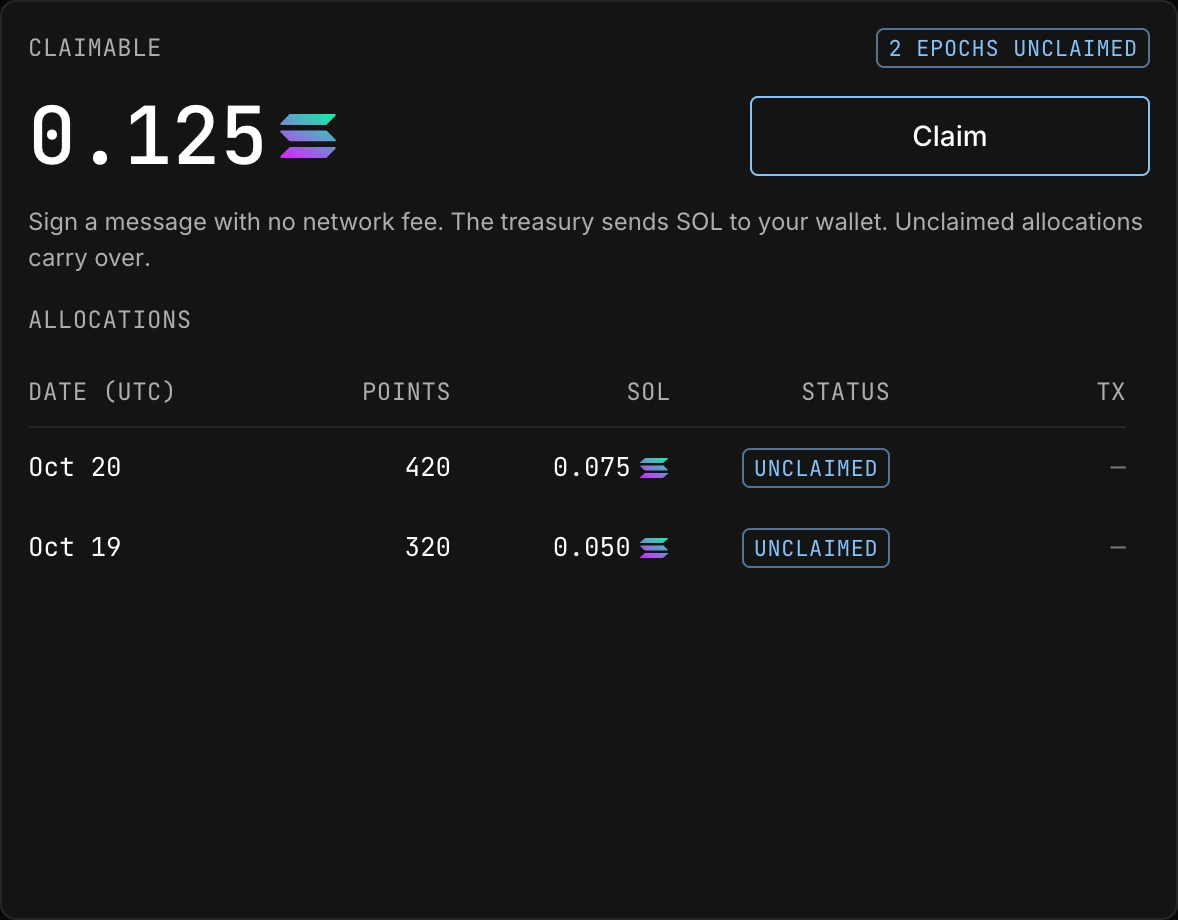
- Connect the earning walletThe same wallet that earned the allocations must sign the claim message.
- Select ClaimThe site requests a short-lived message with a single-use nonce. Read the exact message in your wallet.
- Sign the messageThis is a message signature, not a transaction that spends your SOL. The claim service verifies that it belongs to your wallet.
- Wait for the transferThe treasury sends SOL to your connected address. Once confirmed, the allocation is marked Claimed and a
 Solscan link appears.
#Pending claims and retries
If a transfer was sent but confirmation is not yet known, the service keeps it pending and checks the chain. Do not treat a timeout as a failed transfer. Use the transaction link when available and refresh the claim status later.
A rejected or expired message can be retried with a new nonce. If the treasury cannot pay or claims are paused, the UI shows an error. Allocations remain recorded. A very small transfer to a wallet with no SOL can be rejected by the network's minimum balance rule; the error explains the required action.
Unclaimed allocations have no expiry in the current implementation. They are deducted from future pool calculations so the same treasury balance is not allocated twice.